.png)
Most printing problems are not created on the printing machine. They are created before printing - in the file. That stage is called prepress, and it decides whether a job prints right the first time or wastes paper, plates and time.
What does prepress mean?
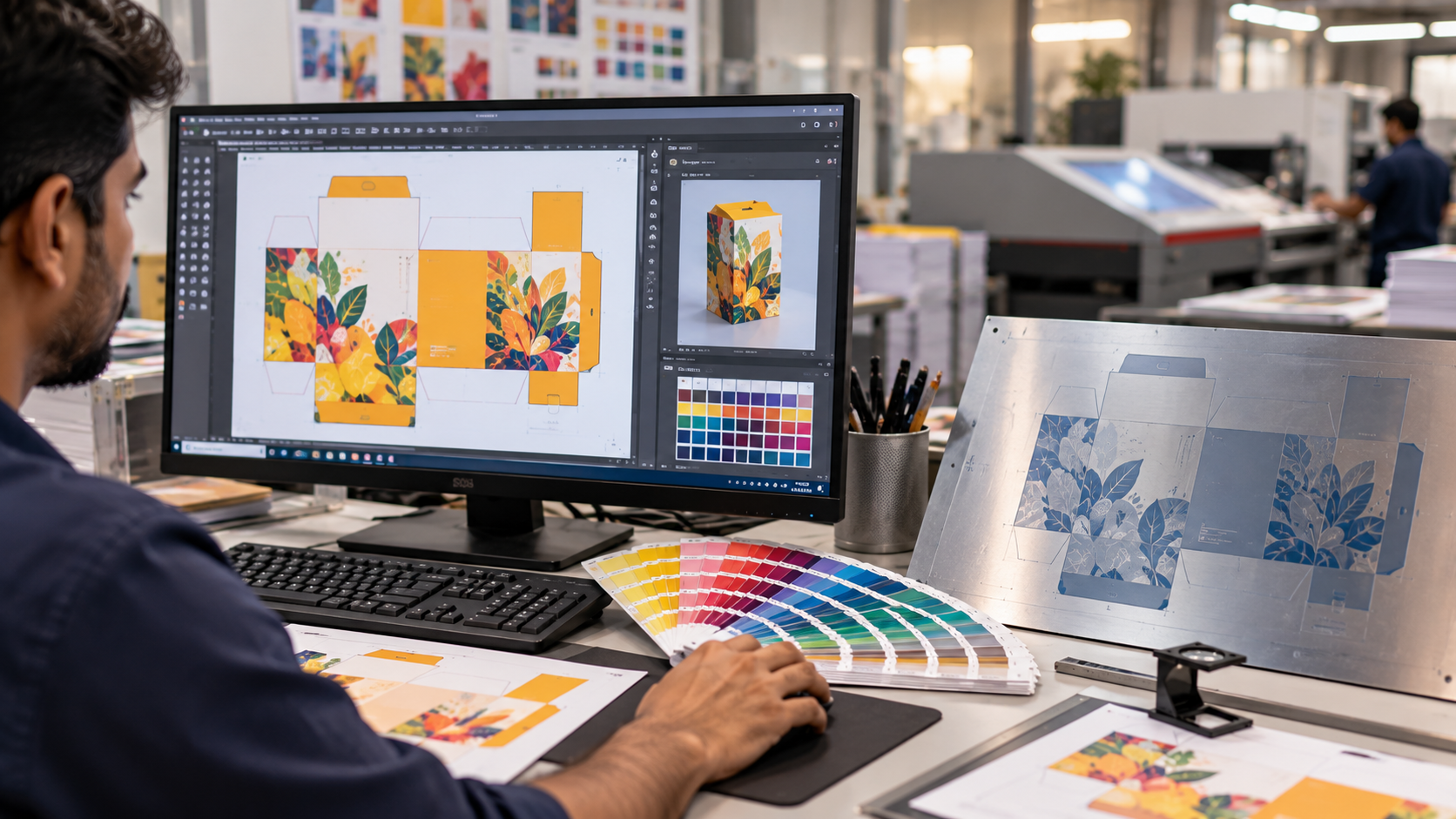
Prepress covers all the steps between receiving a design and starting the printing machine. A prepress team checks the file, prepares it for the chosen process and produces plates or digital output.
Key steps in prepress
1. Receiving and checking the file (preflight)
The file is checked for size, fonts, image resolution, colour mode, bleed and missing elements. Problems are fixed or reported to the customer before anything else happens.
2. Colour mode and colour management
Screens show colour in RGB, but printing presses use CMYK inks (cyan, magenta, yellow and black), sometimes with extra spot colours like Pantone shades. Prepress converts and adjusts colours so the printed result matches expectations.
3. Resolution
Images for print are usually prepared at around 300 dpi at final size. Low-resolution images look sharp on a phone but print blurry.
4. Bleed and safe area
Designs that touch the edge must extend a few millimetres beyond the cut line (bleed), so no white edge appears after cutting. Important text stays inside a safe margin.
5. Trapping and overprint
Tiny overlaps between colours (trapping) prevent white gaps when sheets move slightly on the press. Black text is usually set to overprint.
6. Imposition
Pages or labels are arranged on the printing sheet in the right order and orientation to use the sheet efficiently and fold or cut correctly. In packaging, the artwork is placed on the dieline - the cutting and folding layout of the box.
7. Proofing
A proof - digital or physical - is shared with the customer for approval. An approved proof protects both the printer and the customer.
8. Plate making (CTP)
For offset, the final file is output to plates on a CTP (computer-to-plate) machine. Flexo uses photopolymer plates. Digital printing skips plates entirely - see offset vs flexo vs digital printing.
Common prepress mistakes
- RGB images sent for CMYK printing
- No bleed or text too close to the edge
- Low-resolution logos and photos
- Missing fonts or wrong file version
- Spelling errors approved without proofing
Skills needed for a prepress career
Prepress professionals need design software skills, attention to detail, colour knowledge and an understanding of how the press and finishing work. It is a good career for students who like computers and design - read our printing career guide.
Learn prepress and printing processes practically at Print Pathshala - start with the Starter Path. Call +91 62620 90900.